What do “no registration” and “no installation” really mean?
That you can play in the browser without an account or an app. They say nothing about adverts, purchases or where your progress is kept.
“No installation” means the game runs in a browser tab: nothing is added to your device's apps, although the browser still loads the game's files when you start it. “No registration” means you can play without creating an account. Neither phrase says anything about advertising, in-game purchases or what happens to your progress, and both apply only to one way of playing, not to every version of a game. On a HeapPlay game page each of these is a separate line you can read before you press play.
What does “no installation” mean for a browser game?
It means you do not add an app, a program or a download to your device. You open a page, and the game plays inside it. The browser still fetches the game's pictures, sounds and code, the same as any web page, which is why HeapPlay's own games say “Loads when you press play”.
A game can have several ways to play, and only some of them may need installing. On a HeapPlay page, each way to play (desktop browser, mobile browser, television browser, an app store, a download) has its own Installation line. A button that says “Open in store” or “Download” leads to something you install; “Play here” and “Play on the developer's website” open in the browser.
What does “no registration” mean?
It means you can start and play without making an account. HeapPlay records one of three answers for each way to play:
- No registration: no account is needed to play.
- Registration optional: an account is offered, but you can play without one.
- Registration required: you must sign up before you play.
When none of these is confirmed, the page says “Not specified”. That means HeapPlay does not know; it never means “no”.
“No registration” does not mean the game remembers nothing. Without an account, the catalogue pages that mention saving say progress is kept in the browser you played in.
Where does your progress go when there is no account?
Into storage that belongs to the browser on that device. Several catalogue pages say so in their descriptions: Fluxo states that progress is saved in that browser, Max and Tess saves progress in the browser and lets you export and restore a save, and Dust & Bounty saves settings and checkpoints only in that browser when storage is available.
Browser storage is reliable but not permanent. MDN's page on storage quotas and eviction criteria (last modified 5 January 2026) gives the cases that matter to a player:
- The data stays while the device has space and you do not clear it in the browser's settings.
- In private browsing, stored data is usually deleted when the private session ends.
- Safari, with cross-site tracking prevention on, deletes data a site created from script if you have not interacted with that site in the last seven days of using the browser.
Another phone, another computer or another browser on the same computer has its own storage, so the game starts again there unless it offers an export, like Max and Tess, or an account.
What do these words not tell you?
The launch lines answer “can I start now, for nothing?”. Other questions have other lines.
| Phrase | Where it is on a HeapPlay page | What it does not tell you |
|---|---|---|
| No installation | Installation, for each way to play | Whether the game works on your browser: read Compatibility |
| No registration | Registration, for each way to play | Whether your progress follows you to another device |
| Free | Price, for each way to play | Whether there is advertising or in-game purchases |
| No advertising | Advertising, under Details | Whether the game sells things: read In-game purchases |
| No in-game purchases | In-game purchases, under Details | Whether the game shows adverts: read Advertising |
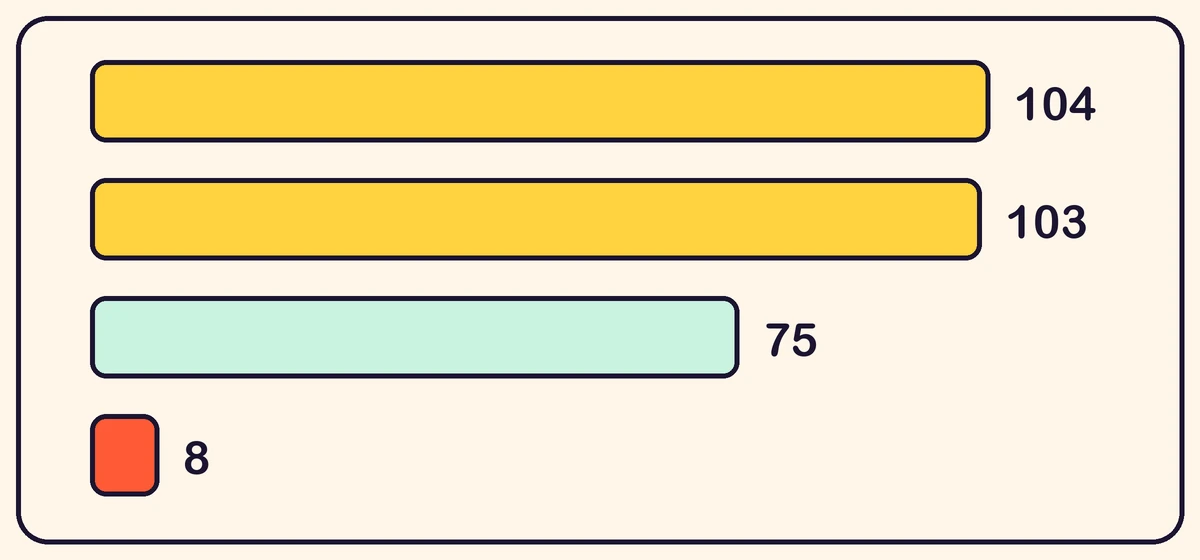
The gap is large in practice. On 7 November 2026 the catalogue held 104 games. 103 had at least one way to play known to be free. 75 had at least one way to play that is known to be free, need no registration and need no installation. Only 8 of those 75 were also known to have no advertising and no in-game purchases. For the other 67, the page either states advertising or purchases or says “Not specified”, and the filter does not tell those apart.
Fluxo shows why each way to play is listed separately. Its page states that the browser version has no advertising and no purchases, and that a separate iPhone app has in-app purchases.
How can you check a game before you play?
- Find the way to play for your device. Under Ways to play, find the line for your device: desktop browser, mobile browser, or an app.
- Read Installation, Registration and Price on that same line, not on another one.
- Read Advertising and In-game purchases under Details. “Not specified” means unknown.
- Look for saving in the description. If it says progress is kept in the browser, avoid private browsing for that game and do not clear the site's data.
- Note where the button leads. “Play here” keeps you on HeapPlay. Any other button takes you to the developer's site or a store, whose own terms apply; HeapPlay's About page explains each button.
The catalogue's filters do the first three steps for you, and they only match facts that are known. A game whose registration is “Not specified” is left out when you ask for “No registration”.
Which games meet all five conditions?
On 7 November 2026 we took every catalogue game with a way to play that is known to need no installation and no registration and to be free, and that is also known to have no advertising and no in-game purchases. That gave 8 of 104. You can repeat it with the filters: no installation, no registration, free, no advertising, no purchases.
-
 Play here
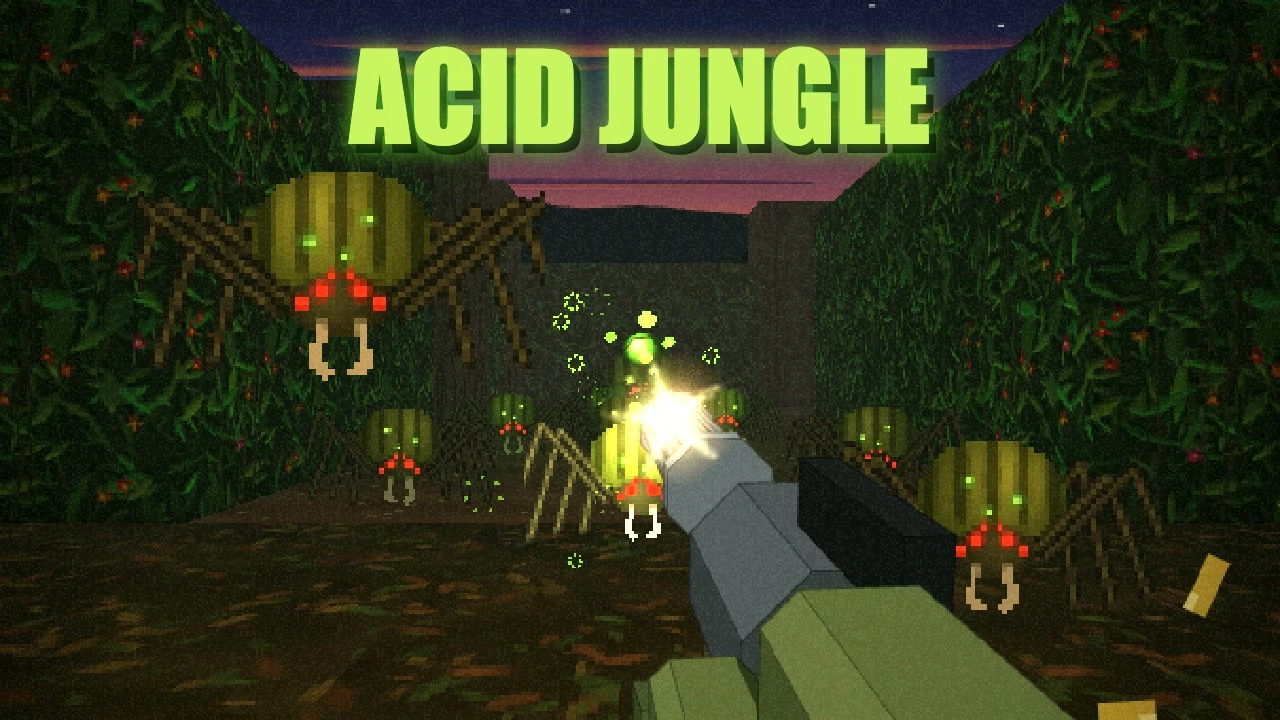
Acid Jungle
ActionSingle playerMultiplayer
HeapPlay
- Desktop browser
- Mobile browser
- TV browser
-
 Play here
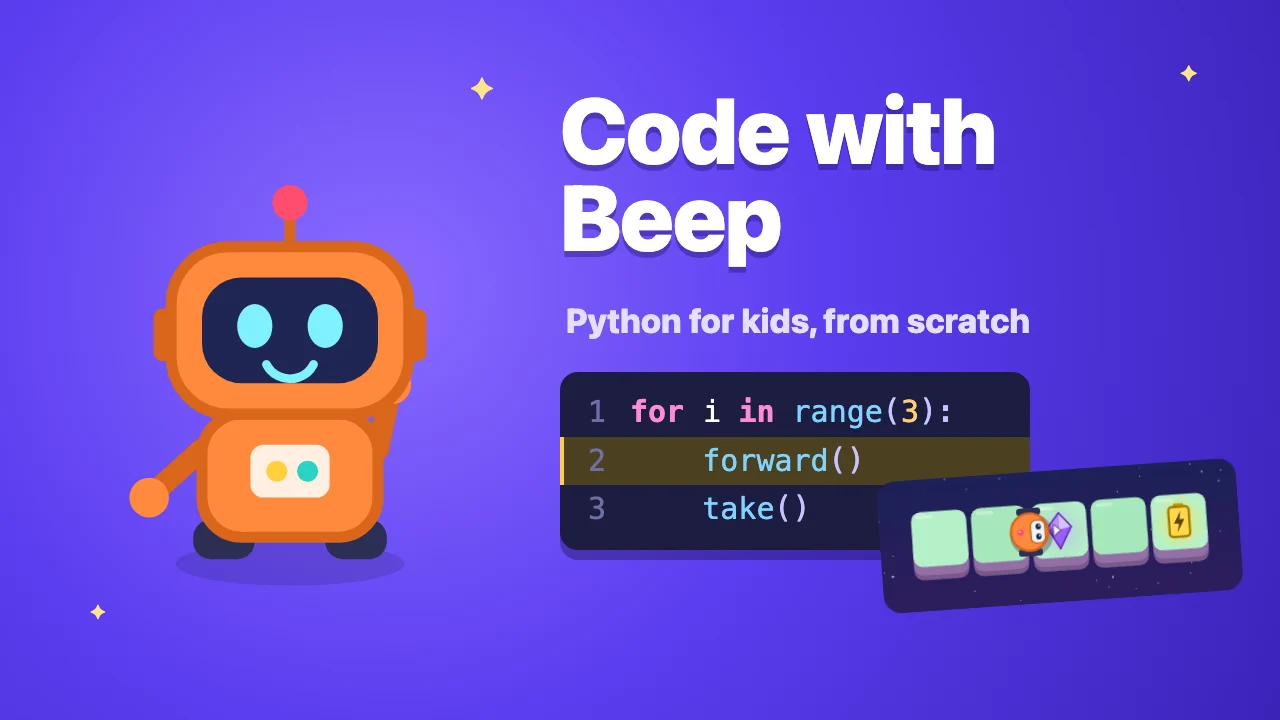
Code with Beep
PuzzleSingle player
HeapPlay
- Desktop browser
- Mobile browser
-
 Play here
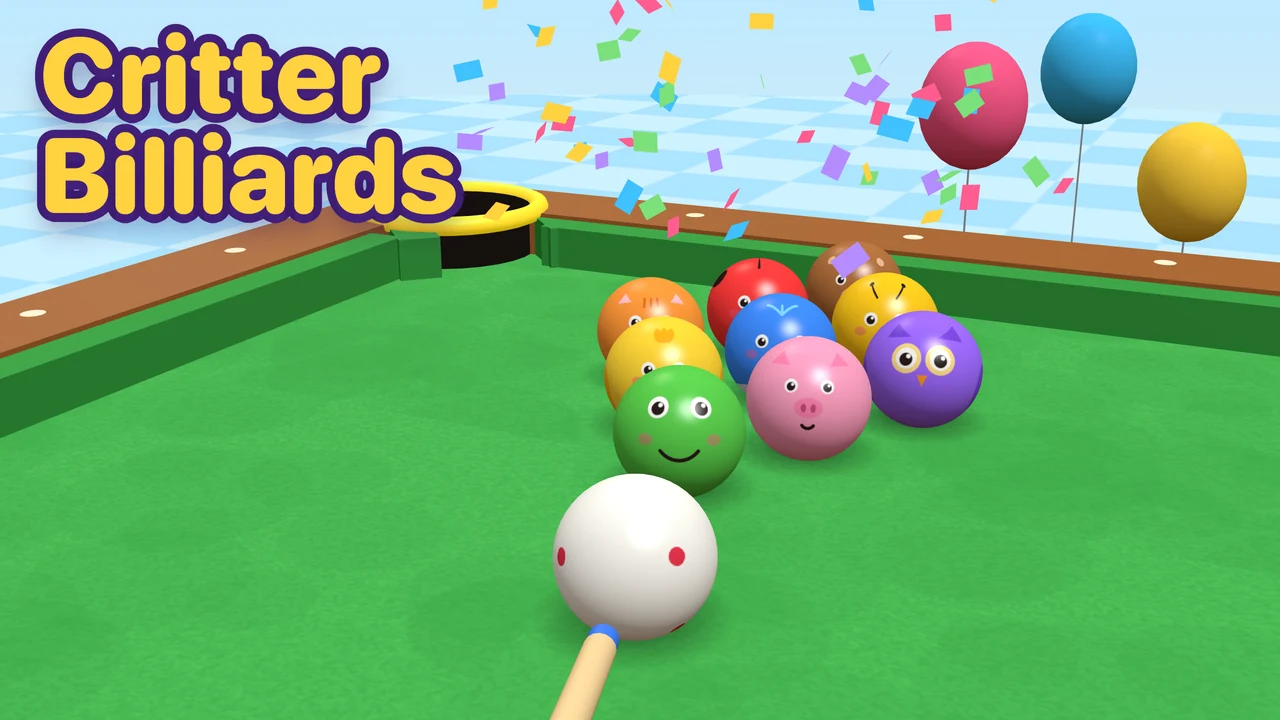
Critter Billiards
PuzzleSingle playerMultiplayer
HeapPlay
- Desktop browser
- Mobile browser
-
 Play here
Dust & Bounty
ActionSingle player
HeapPlay
- Desktop browser
- Mobile browser
-
 Play here
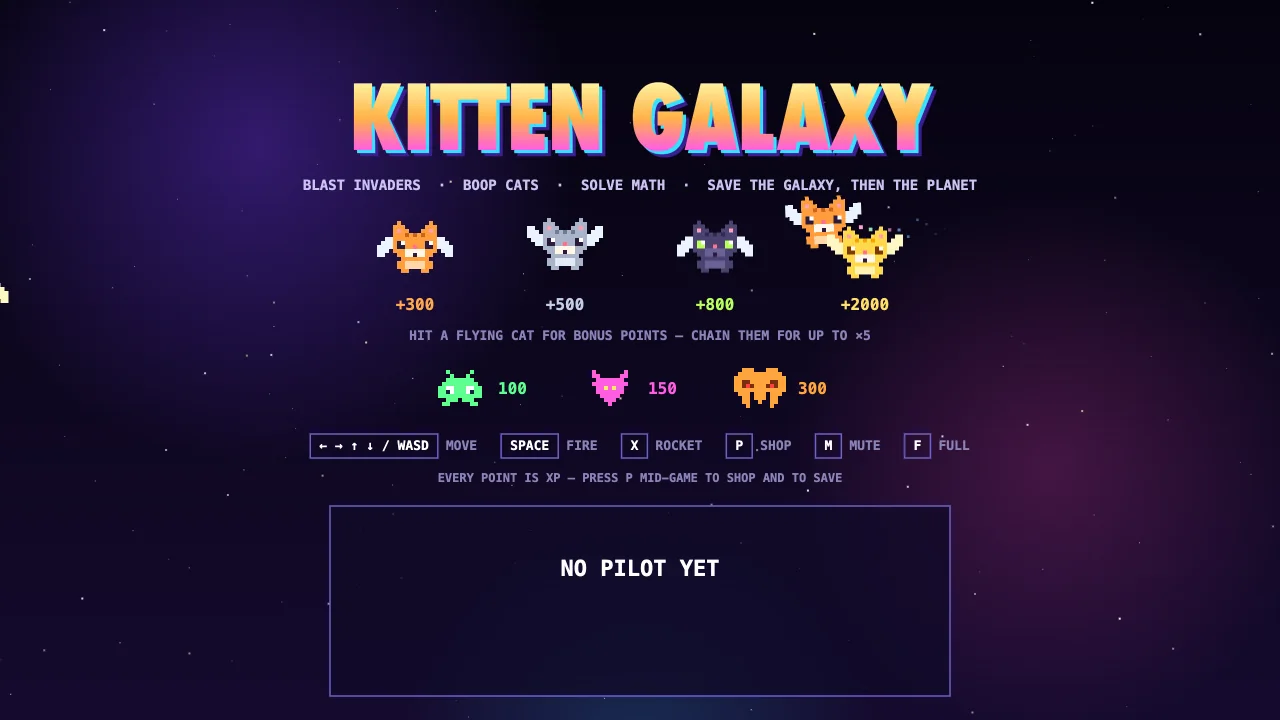
KittenGalaxy
ArcadeSingle playerMultiplayerLeaderboard
HeapPlay
- Desktop browser
- Mobile browser
- TV browser
-
 Play here
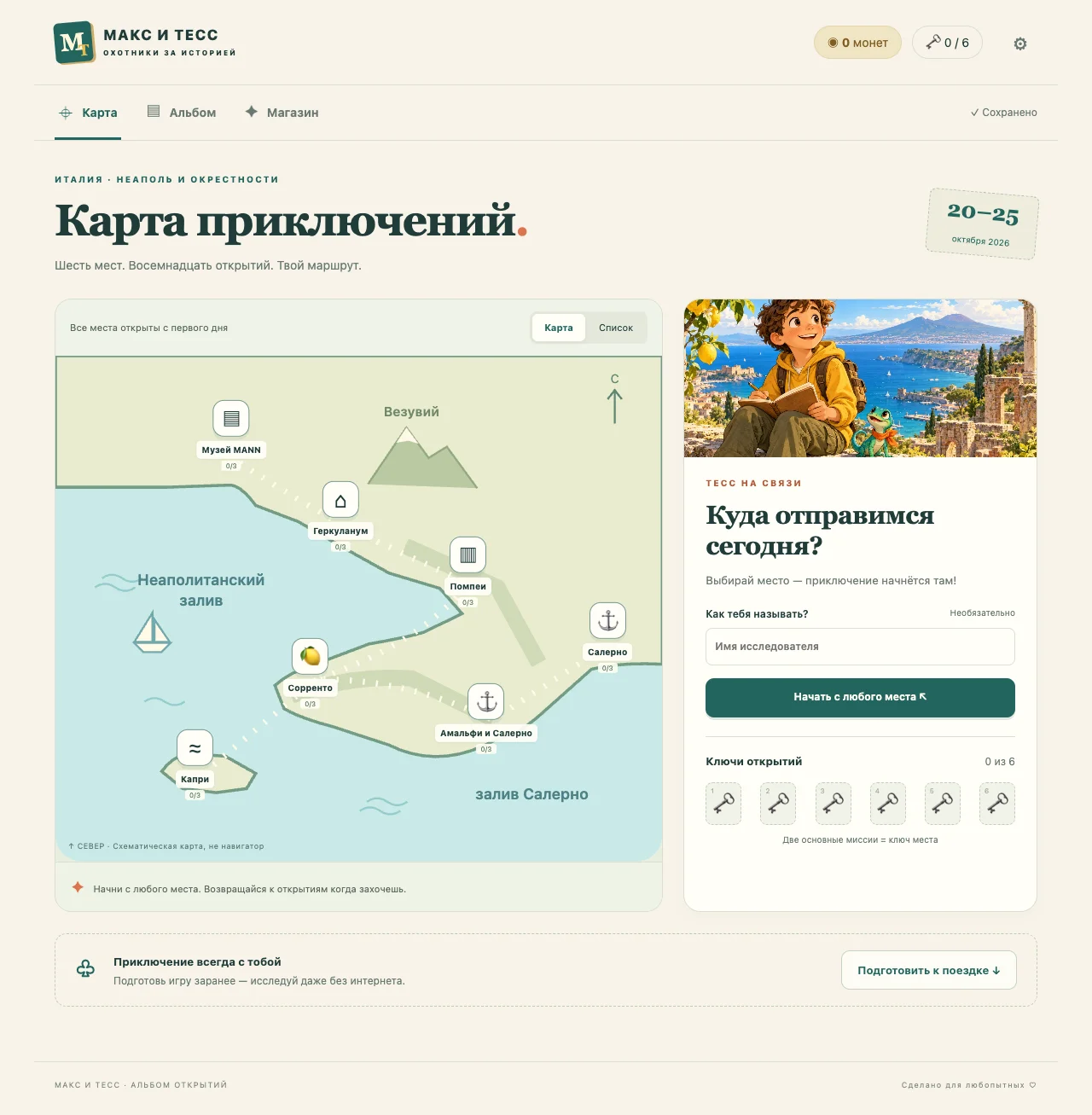
Макс и Тесс: охотники за историей
AdventureSingle player
HeapPlay
- Desktop browser
- Mobile browser
-
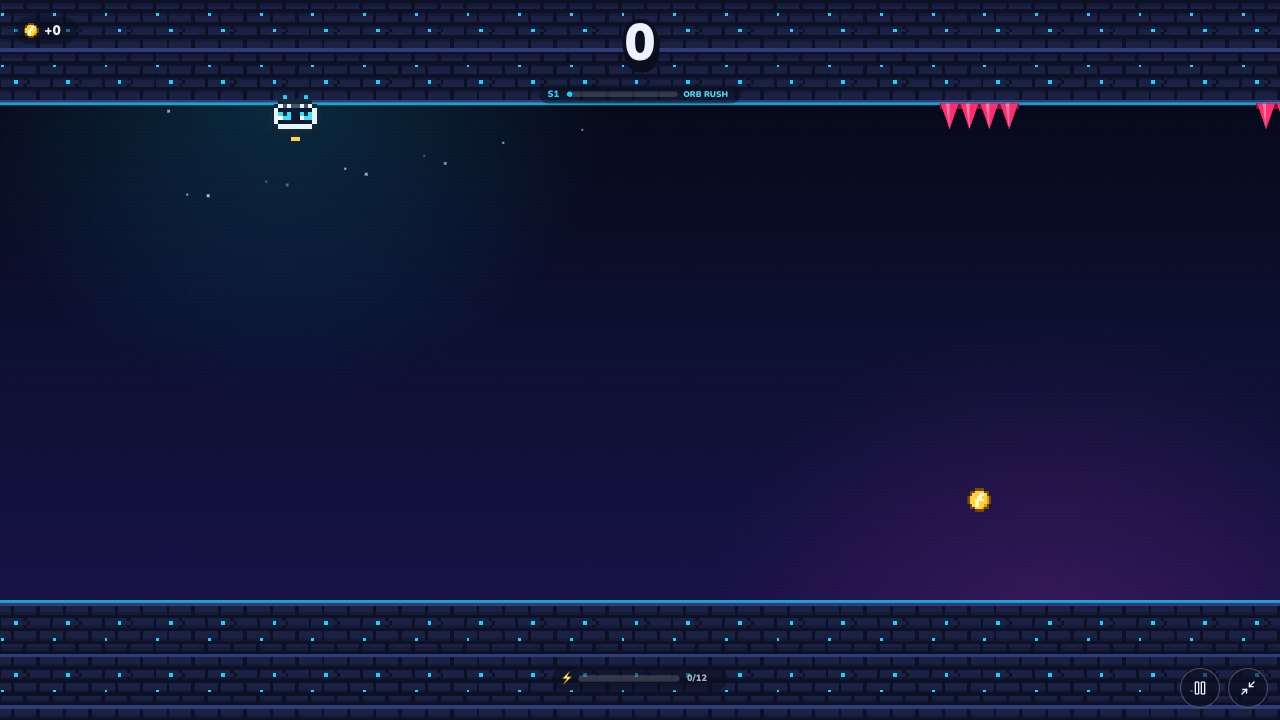
Fluxo: Gravity Runner
ArcadeSingle player
James Gray
- Desktop browser
-

Learn to Play Pitch
Card and boardSingle player
Roland B
- Desktop browser
- Mobile browser
Six of the eight are HeapPlay's own games, which play on HeapPlay itself. The other two open on their developers' websites: Fluxo in a desktop browser, and Learn to Play Pitch in a desktop or mobile browser. Every fact here comes from each game's HeapPlay page that day. We have not played them for this article and do not rank them.
Common questions
Is a “Play here” game always free? Yes. HeapPlay's About page says games that play here are free, need no registration and need nothing installed.
Do I need an account to rate a game on HeapPlay? No. Anyone can rate without an account, one rating per browser.
Can I move my progress to another phone? Only if the game offers a way to do it. Max and Tess, for example, lets you export a save and restore it. Otherwise the progress stays in the browser where you played.
What if a site asks for an account although the page says “No registration”? Use “Report a problem with this page” on the game's page, so it can be checked and corrected.
Where can I play with a friend without accounts? The article on two people playing from two phones covers that.
no-registration browser-games how-to
Building a game? Submit it to HeapPlay and see what developers get.