The HeapPlay blog
For solo developers, especially those building games with AI assistants: from an idea and a prototype to a game people can actually play, find and give feedback on. Now and then, a guide for players too: how to find a game worth your time.
How do you make a browser game load fast on a phone?
Send less before the first moment of play, make sure the server compresses it, cache it for good, and measure on a slowed-down phone profile.
How should a browser game save progress, and what wipes it?
Save small, versioned data in the browser after every step, expect it to be wiped by the player or the browser, and give players a copy they can keep.
Why do players leave in the first minute, and how can you tell?
Usually a slow start, an unclear first screen or a first try with no reward. Count how many visitors reach each of five steps, then watch one new player.
How do you test a browser game without a test team?
In three layers one person can keep up: automatic checks on every change, a written play route before each release, and real phones before launch.
What do “no registration” and “no installation” really mean?
That you can play in the browser without an account or an app. They say nothing about adverts, purchases or where your progress is kept.
Why does a game built with an AI assistant break as it grows?
Each change is made with a partial view and nothing checks the rest. Stop adding features, write down the rules, add checks, then go one task at a time.
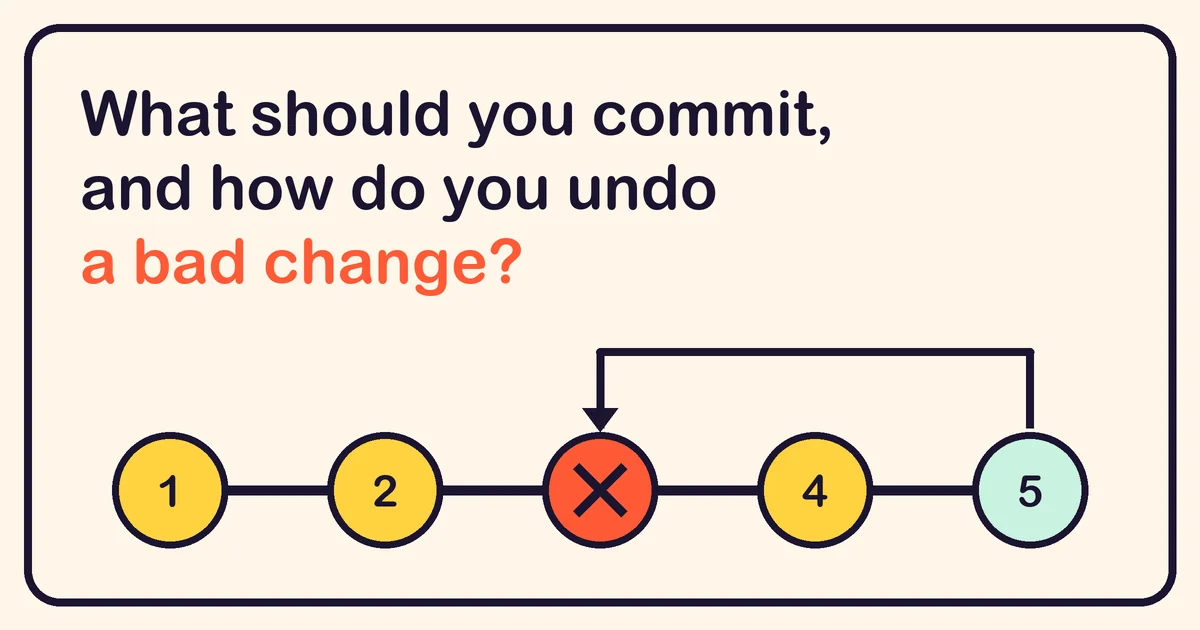
What should you commit, and how do you undo a bad change?
Commit everything you made and nothing a tool can rebuild, save one working change at a time, and undo an older mistake with git revert.
How do you review an AI assistant's change before keeping it?
Compare the changed files with your task, read the diff from the deletions up, run the checks yourself, play the change, and only then commit it.
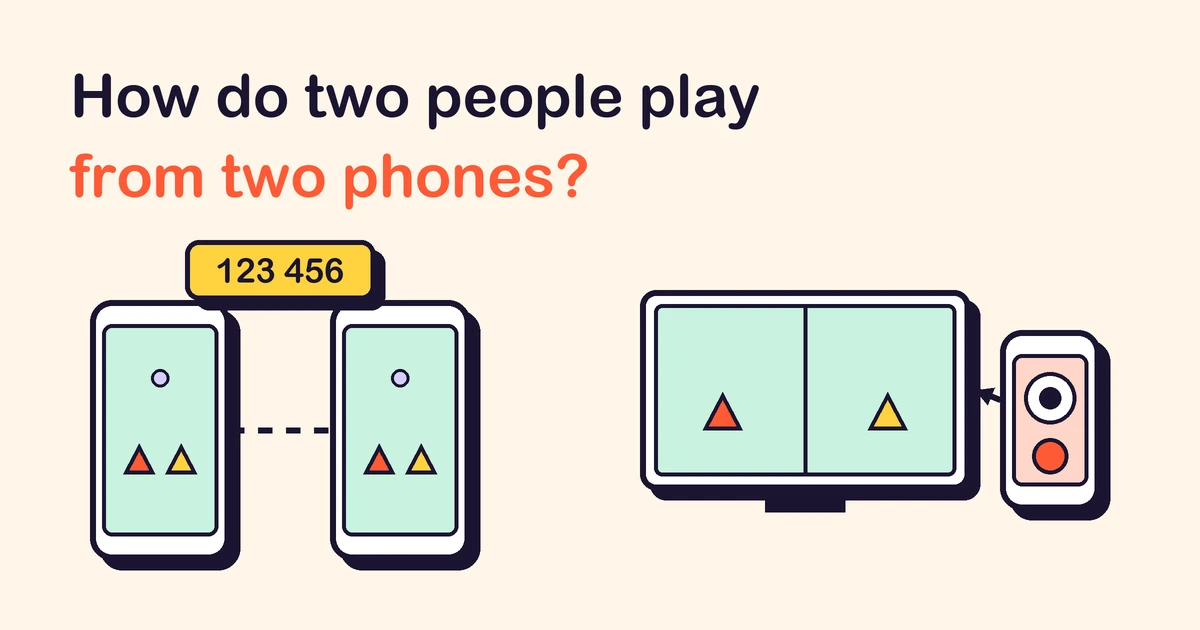
How do two people play a browser game together from two phones?
In three ways: each phone runs the game and joins the other with a code, both phones steer one big screen, or you pass one phone.
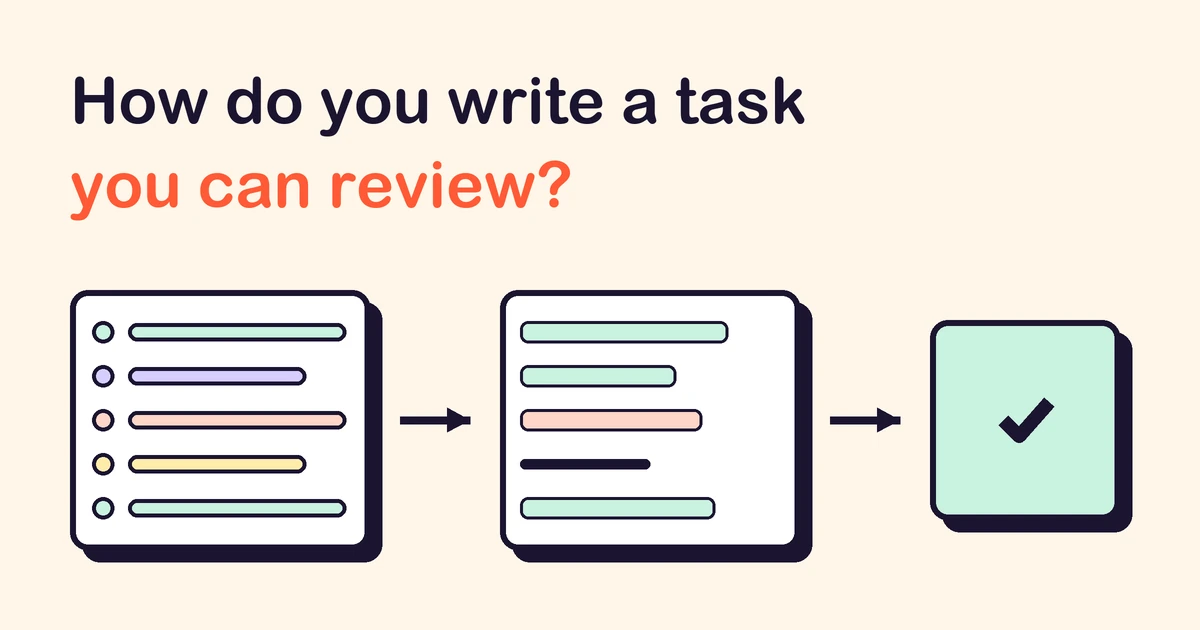
How do you write a task for an AI assistant that you can review?
Ask for one change, say where it goes and what must not change, give a check that passes or fails, and ask for a report of what was done.
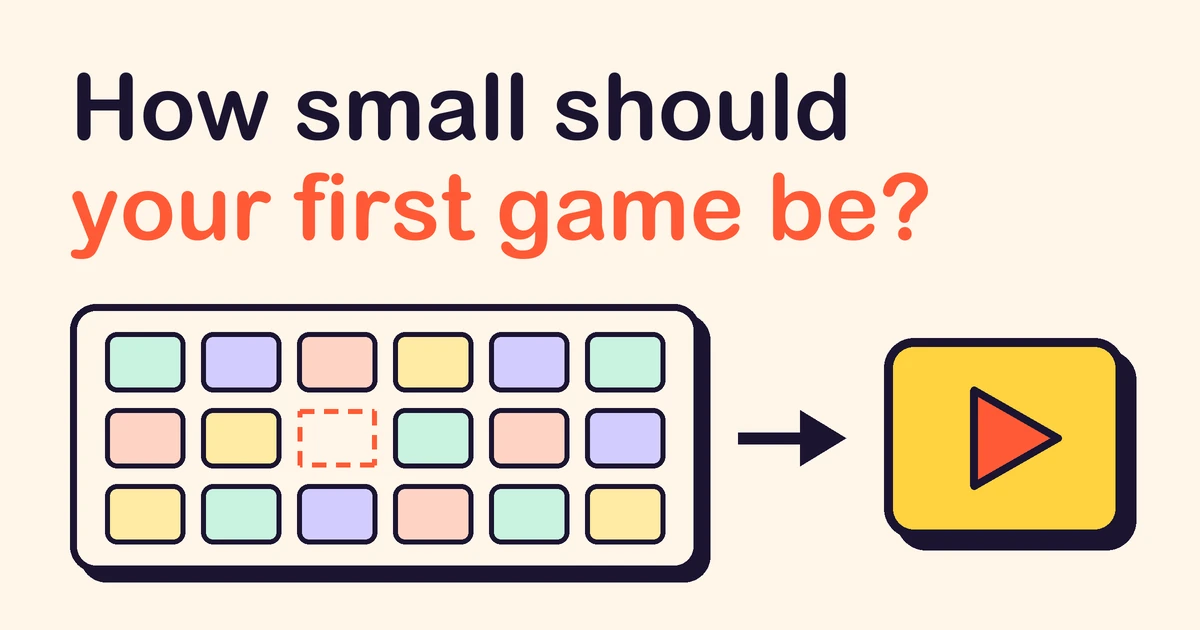
How small should your first game be?
Small enough to finish: one action, one screen, one way to win or lose, played in a few minutes. Here is how to cut a bigger idea down to that size.
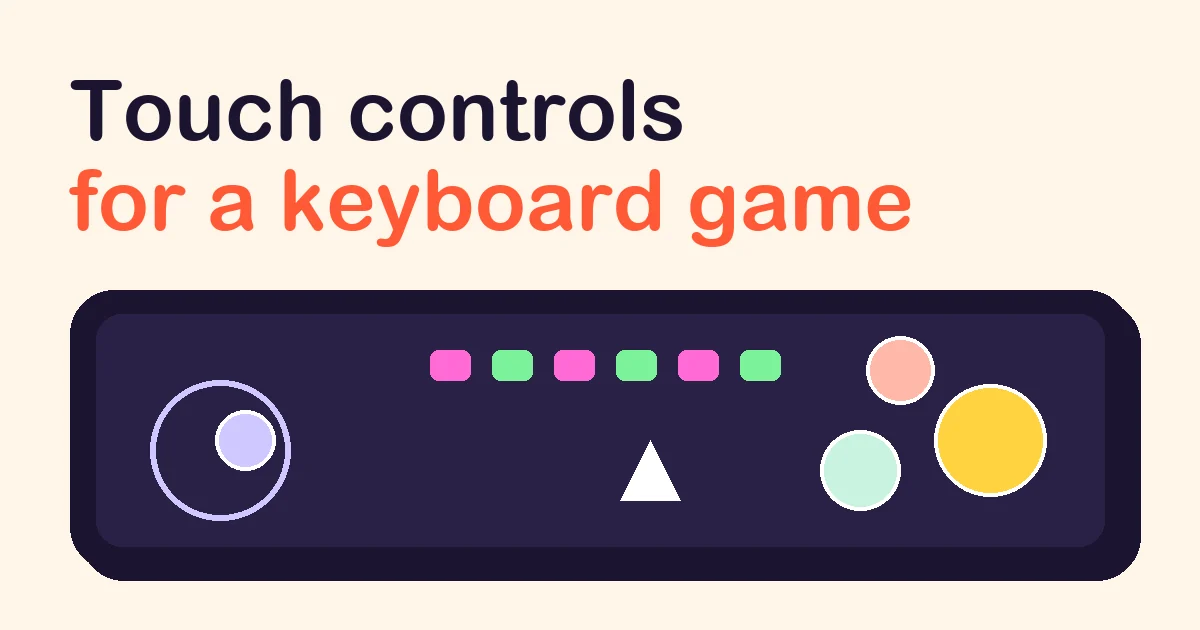
How do you add touch controls to a keyboard-only browser game?
Put a separate touch layer over the game that feeds it the inputs it already understands. Here is how we did it for KittenGalaxy, and what we have not tested yet.