How should a browser game save progress, and what wipes it?
Save small, versioned data in the browser after every step, expect it to be wiped by the player or the browser, and give players a copy they can keep.
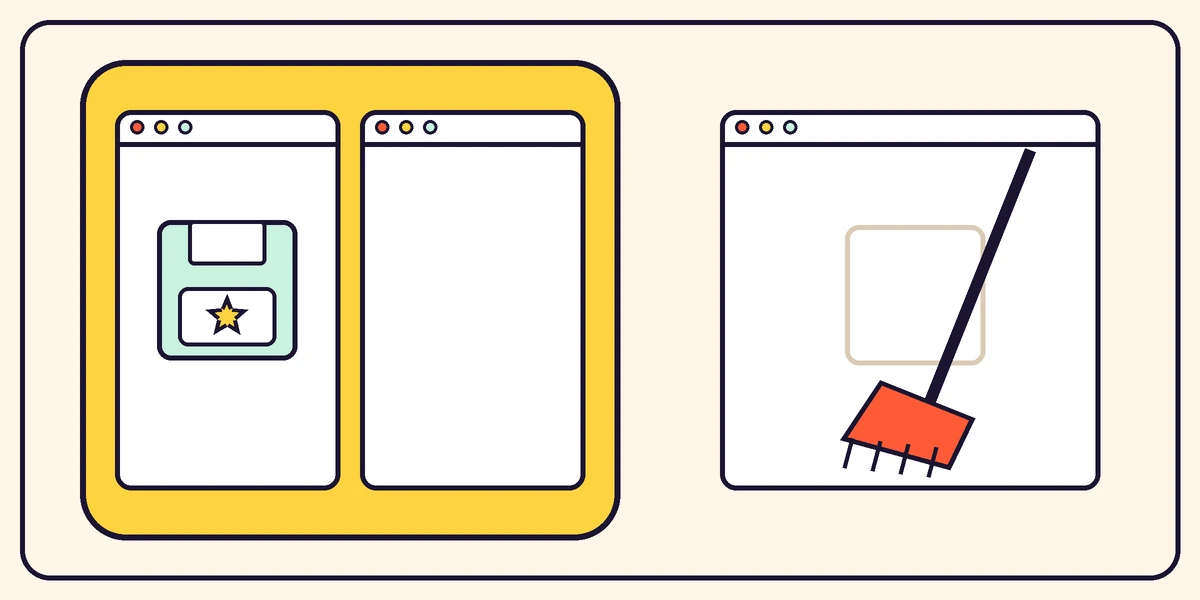
Keep the save small, give it a version number, write it after every step that matters, and assume it can disappear. Browser storage belongs to one browser on one device, and it is wiped when the player clears site data, when a private window closes, and sometimes by the browser itself. A save in the browser is convenient, not safe. If losing it would hurt, give the player a copy to keep: an export code or a file.
Where can a browser game keep a save?
Four places, from the simplest to the most work.
| Where | Good for | Limits |
|---|---|---|
localStorage | Settings, levels reached, a small game in progress | Text only, small, one browser on one device |
| IndexedDB | Larger saves, several slots, pictures the player made | More code; wiped by the same things |
| Your own server | Saves that follow the player to another device | Needs an account or a code, and a server to keep running |
| A file or code the player keeps | A backup that no browser can delete | The player has to remember to make it |
For most small games, localStorage is enough. MDN's page on storage quotas and eviction criteria (last modified on 5 January 2026, read on 18 November 2026) gives 5 MiB of local storage per origin. A game that needs more than that is usually storing something it could rebuild.
What wipes a browser save?
Things the player does, things the browser does, and things you do.
- The player clears site data, or a cleaning tool or privacy extension does it for them.
- A private window closes. MDN says data stored in private browsing is usually deleted when that mode ends.
- The browser runs short of space. By default storage is "best-effort": under pressure the browser deletes the data of the least recently used site, all of it at once.
- Safari's seven-day rule. With cross-site tracking prevention on, Safari deletes script-created data of a site that has had no click or tap in the last seven days of browser use (MDN, same page). A player who returns after a long break may find nothing.
- Another browser or device. A save made in Chrome on a phone does not exist in Safari on the same phone.
- A frame on another site. WebKit says a cross-origin frame uses a different storage partition from the page it is embedded in. A save made while your game runs inside someone else's page may not be there when the game is opened on its own address, or the other way round.
- A new address. Storage belongs to an origin. Move the game to another domain and every player starts again.
- Your own update. A new version that cannot read the old format loses the save as surely as the browser would.
How do you write a save that survives your own updates?
Put everything under one key with the game's name, put a version number inside, and read old versions on purpose.
// Example: one key, a version, and a reader that refuses what it does not know.
const KEY = "mygame.save";

function load() {
  let data;
  try { data = JSON.parse(localStorage.getItem(KEY)); } catch { return null; }
  if (!data || typeof data !== "object") return null;
  if (data.v === 1) data = { v: 2, level: data.level, stars: {} }; // migrate
  if (data.v !== 2) return null; // unknown: start fresh, do not crash
  return data;
}

function save(data) {
  try { localStorage.setItem(KEY, JSON.stringify({ ...data, v: 2 })); }
  catch { /* storage full or blocked: keep playing, tell the player */ }
}
This is an example, not code from a HeapPlay game. Three rules come out of it:
- A save from an old version is migrated, not thrown away. When Code with Beep, a Python course hosted on HeapPlay, added its Sandbox in 0.2.0, the new part was filled in for older saves instead of starting them again.
- A save you do not recognise is refused, not trusted. Acid Jungle, another hosted game, reads only checkpoint formats it knows and ignores anything else.
- Released content that a save points to does not move. Critter Billiards stores stars by level number, so new levels go at the end; Code with Beep stores progress by step, so steps are never inserted into a released lesson.
Keep old saves for your tests. Before each release, load a save made by the previous version and check that the player lands where they left. Version control helps here: see what to commit and how to undo a bad change.
When should the game save?
After every step the player would be upset to repeat: a level finished, an item bought, a move made. Tycoon Island, a board game hosted on HeapPlay, writes the game in progress after every move and clears it when the game ends, so a closed tab costs nothing.
Do not wait for the player to leave. A phone may close a background tab without warning. If you save a summary on the way out as well, do it when the page becomes hidden: MDN's page on the visibilitychange event calls the change to hidden "the last event that's reliably observable by the page".
Wrap every write in try, as above. Storage can be full, blocked by a setting, or unavailable in a frame, and a game that stops on a failed save is worse than one that carries on and says so.
Should you ask the browser to keep the save?
You can ask, but you cannot insist. navigator.storage.persist() asks the browser to treat your site's data as persistent, so it is deleted only when the player chooses to. According to MDN, Firefox asks the player; Safari and Chromium browsers decide by themselves from the player's history with the site, without asking. WebKit's post Updates to Storage Policy (10 August 2023, Safari 17) names one of its reasons: whether the site was opened as a Home Screen web app.
// Example: ask once, after the player has made progress worth keeping.
if (navigator.storage && navigator.storage.persist) {
  navigator.storage.persist().then(kept => console.log("persistent:", kept));
}
A yes protects against the browser running short of space. It does not stop the player from clearing site data, and it does not move the save to another device.
How do you give players a copy they can keep?
Turn the save into text and let the player take it with them.
- An export code. Show the saved data as a block of text with a "Copy" button, and a box where it can be pasted back. Check it on a real phone, the "Copy" button included.
- A file. A "Download save" button that creates a small file, and an "Open save" button that reads one back.
- Check what comes back. An imported save goes through the same
load()as any other, with the same version check, so a damaged or edited code cannot break the game.
The same checks belong in your play route; see testing a browser game without a test team.
What should you tell the player?
One plain sentence, near the place where the save happens: "Your progress is saved in this browser on this device. Clearing site data deletes it." Add how to make a copy if the game has one.
HeapPlay's own games work this way: no account, progress kept in the browser's storage under the game's own name, and a rule that a new version must not break existing players' saves. What "no registration" means for a player's progress is covered in what "no registration" and "no installation" really mean. If you want your game listed here, the submission page says what is needed.
Common questions
Is localStorage too simple? Not for most small games. Move to IndexedDB when the save grows large or you need several slots, not before.
Should I store saves in cookies? No. Cookies are sent to the server with every request, and they are small. Use the storage the browser gives scripts.
Can I get a player's lost save back? Usually not. Once the browser has deleted it, only a copy the player made, or one on your server, can bring it back.
Does an account fix all this? It moves the save to your server, which follows the player to any device. It also means a sign-up, a password reset, personal data to look after and a server to keep running. For a small game, an export code is often enough.
Building a game? Submit it to HeapPlay and see what developers get.